When viewing orders in Deliveri, you may notice two different order numbers associated with the same shipment. This is expected and helps Deliveri work seamlessly with your connected webstore.
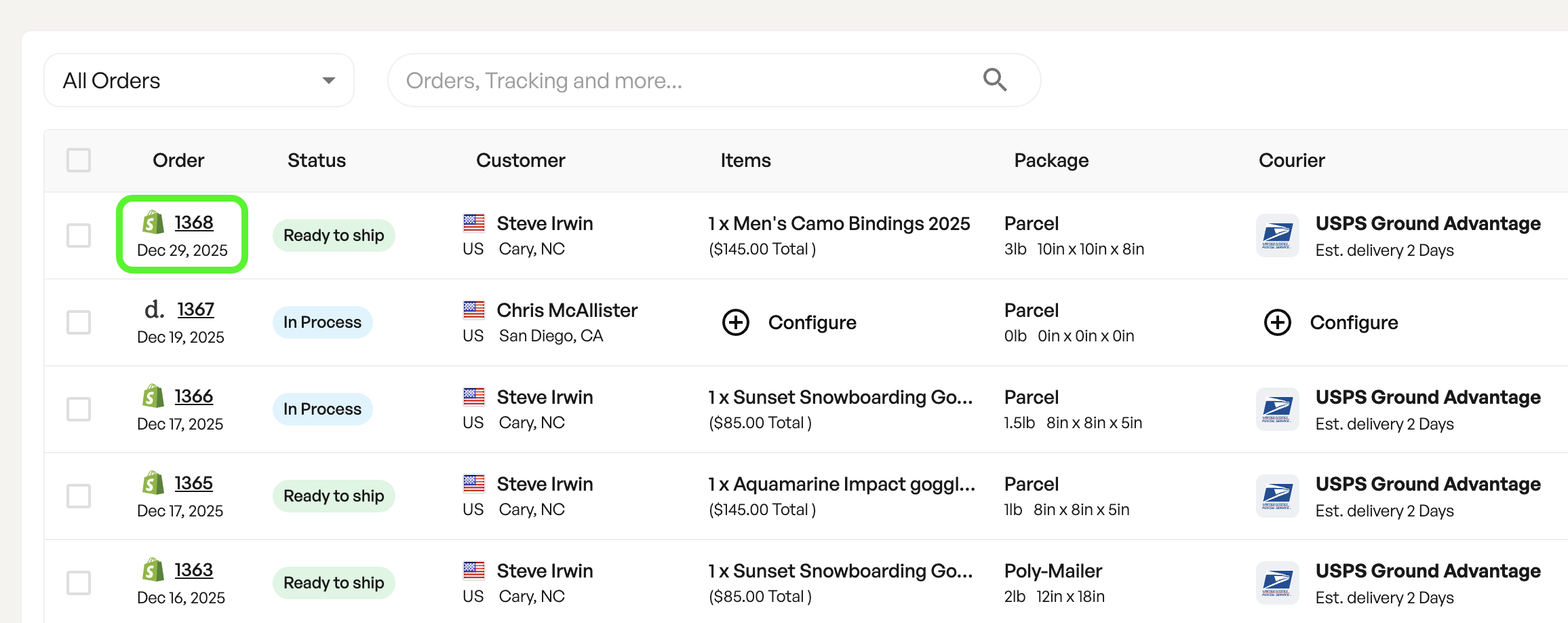
Deliveri assigns its own internal order number to every order created on the platform.
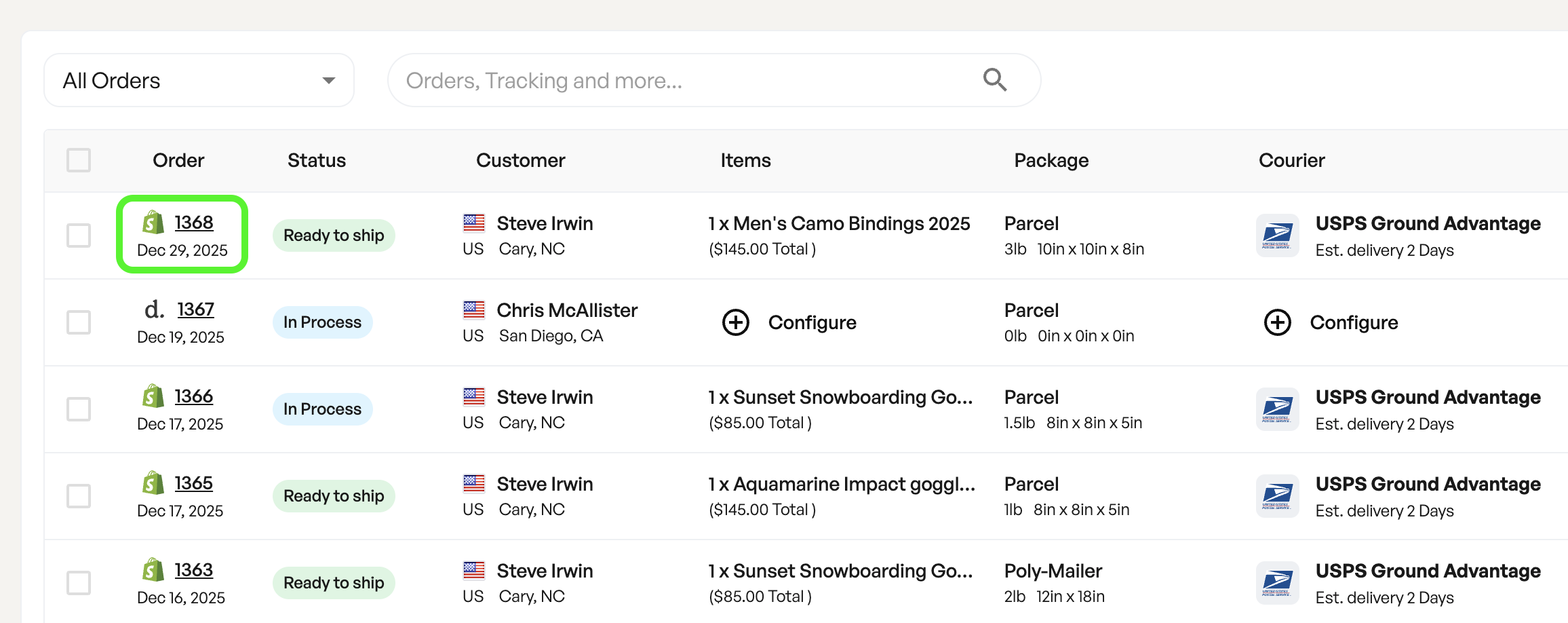
Deliveri order numbers are sequential, starting at 1000.
This number is used by Deliveri to:
Track shipments
Locate orders quickly
Provide faster customer support
Example:Order #1366 (shown at the top of the order view)
If you contact Deliveri support, this is the preferred order number to reference.
Your webstore (such as Shopify, WooCommerce, or another platform) also assigns its own order number.
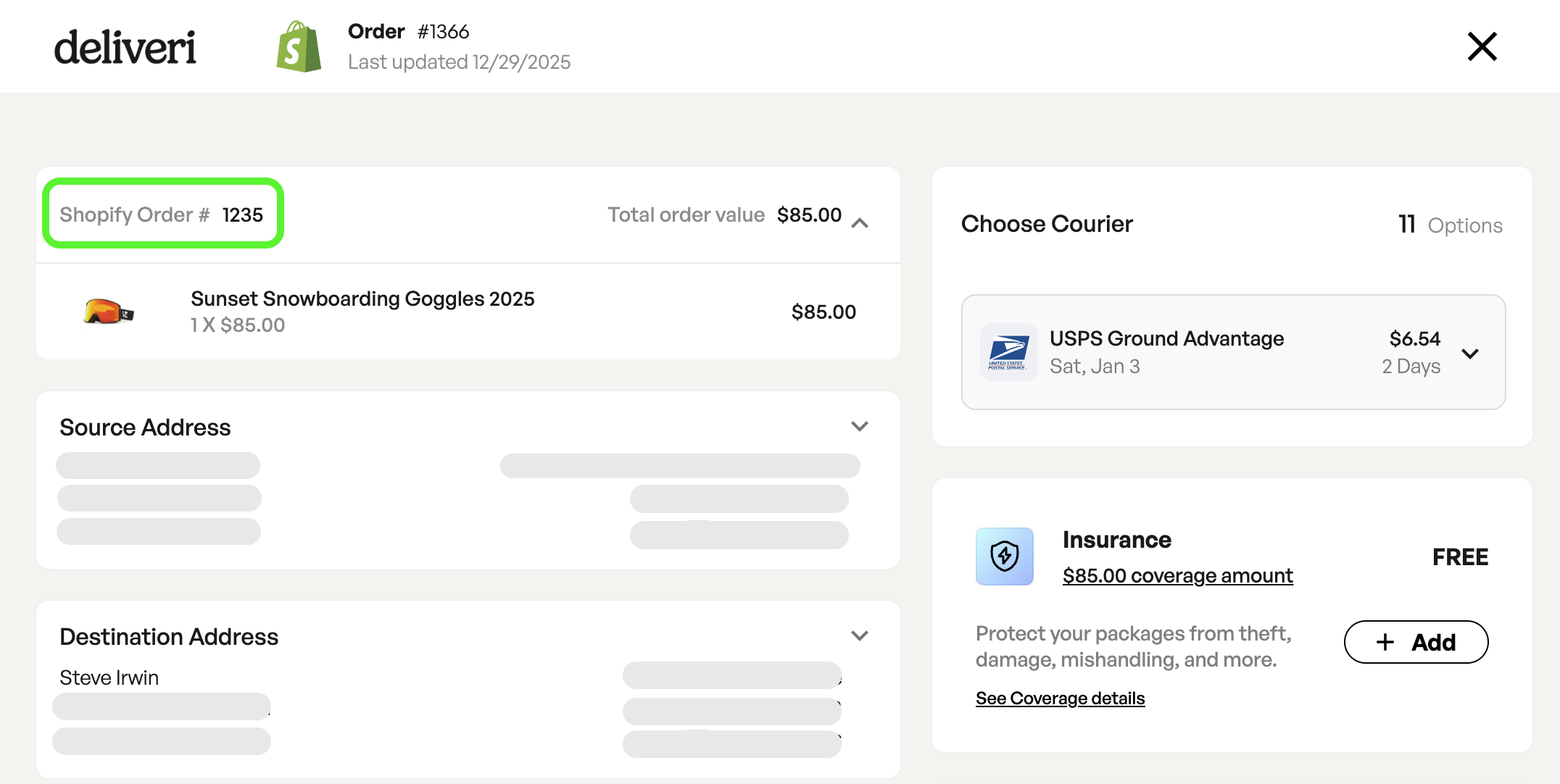
This number originates from your webstore
It remains unchanged when the order is imported into Deliveri
It helps you match Deliveri orders back to your original store order
Example:Shopify Order #1235
Deliveri and your webstore are two separate systems, each with their own order numbering:
Deliveri Order Number → Used internally by Deliveri
Webstore Order Number → Used by your store and customer-facing systems
Because of this, the numbers will not match — and that’s normal.
You can find your webstore’s order number in the following places:
Order view, where items from the order are displayed.
Items preview from the homepage, which shows the products included in the order and the associated webstore order number.
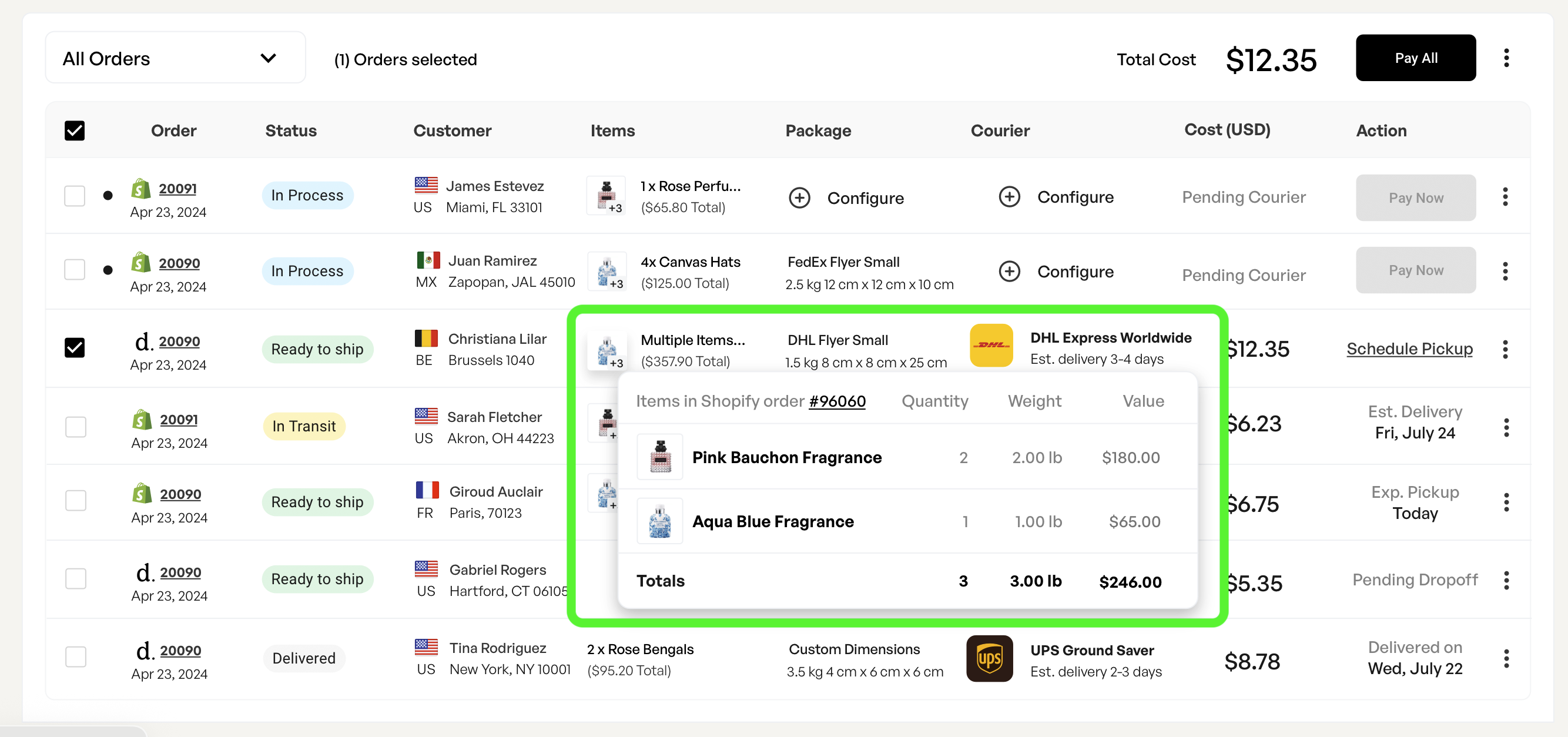
This allows you to quickly confirm that a Deliveri order corresponds to the correct webstore order.
For Deliveri support or troubleshooting:
👉 Use the Deliveri order number
For reconciling with your webstore or customer records:
👉 Use the webstore order number
Both numbers refer to the same order — they’re just used for different purposes.
If you ever need help locating an order or confirming which numbers match, Deliveri support can assist using either reference.