
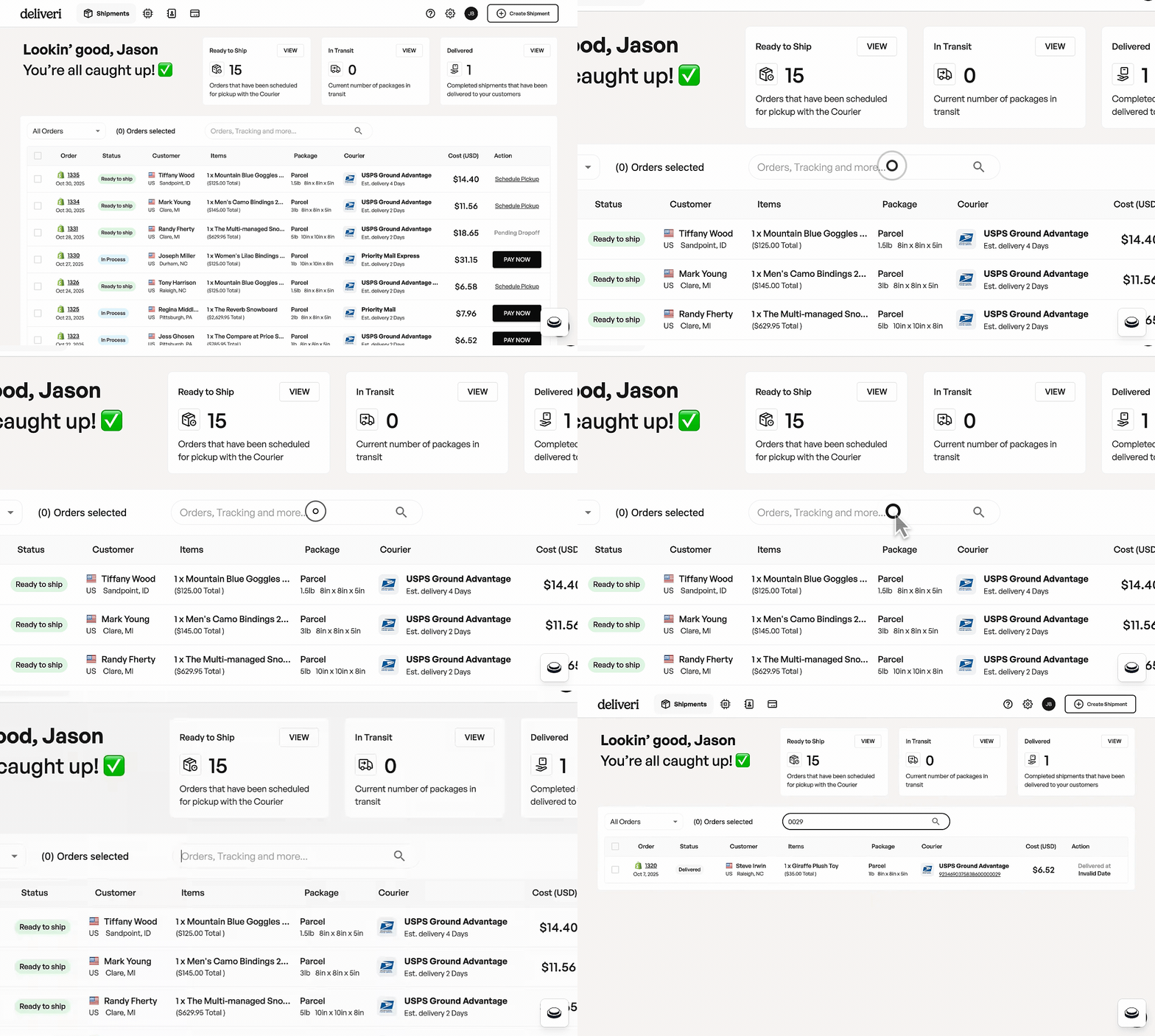
What you can search for
You can search across multiple columns in the Shipments table, including:
🔢 Order Number
Search using a Deliveri order number (e.g.
1366)Useful when referencing an order with Deliveri support
🚦 Order Status
Search by shipment status, including:
In Process
Ready to ship
In Transit
Delivered
This helps you quickly filter orders by where they are in the fulfillment lifecycle.
👤 Customer
Search by customer name and/or customer address
Ideal when you know who the order is going to but not the order number
📦 Tracking Number
Search using a carrier tracking number
This is the fastest way to find an order when a customer provides tracking information
Tracking number search is especially helpful for customer support and delivery-related questions.
How search works
The search bar scans multiple columns at once
Results update automatically as you type
You don’t need to select a specific filter—just enter your search term
Search looks across specific order details and does not currently include items, package details, courier, cost, or actions.
When to use search vs filters
Use search when you know a specific detail (order number, tracking number, customer name)
Use filters when you want to browse or segment orders more broadly
Tips for best results
Enter the full tracking number for the most accurate match
Partial matches may return multiple results
Clear the search field to return to the full order list
If you’re having trouble finding an order, searching by tracking number is usually the quickest option.