
When should I archive an order?
Orders that have already been delivered.
Orders you no longer need to actively manage.
Historical shipments you want to keep for records.
What happens when an order is archived?
The order is removed from your active orders list.
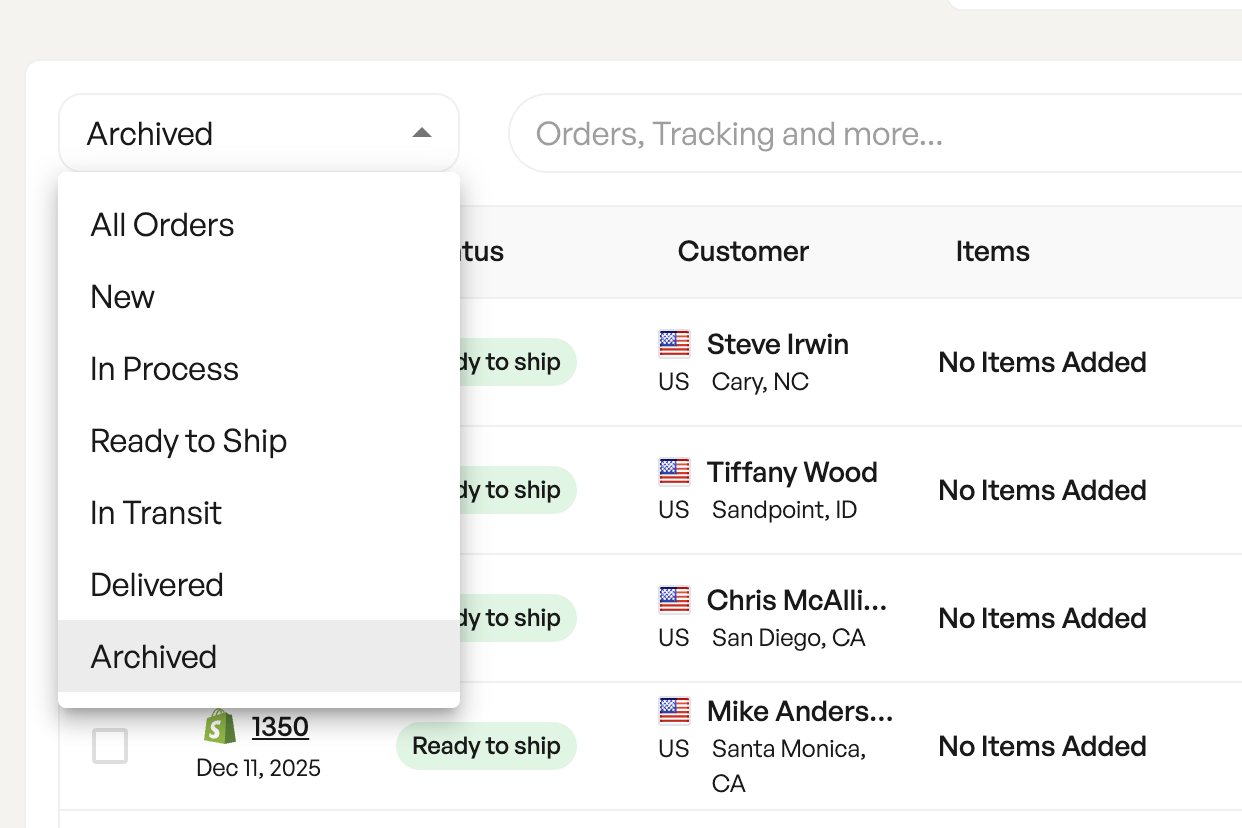
The order remains searchable and viewable by selecting “Archived” in the filter dropdown.
No shipment, billing, or tracking data is deleted.
Can I restore an archived order?
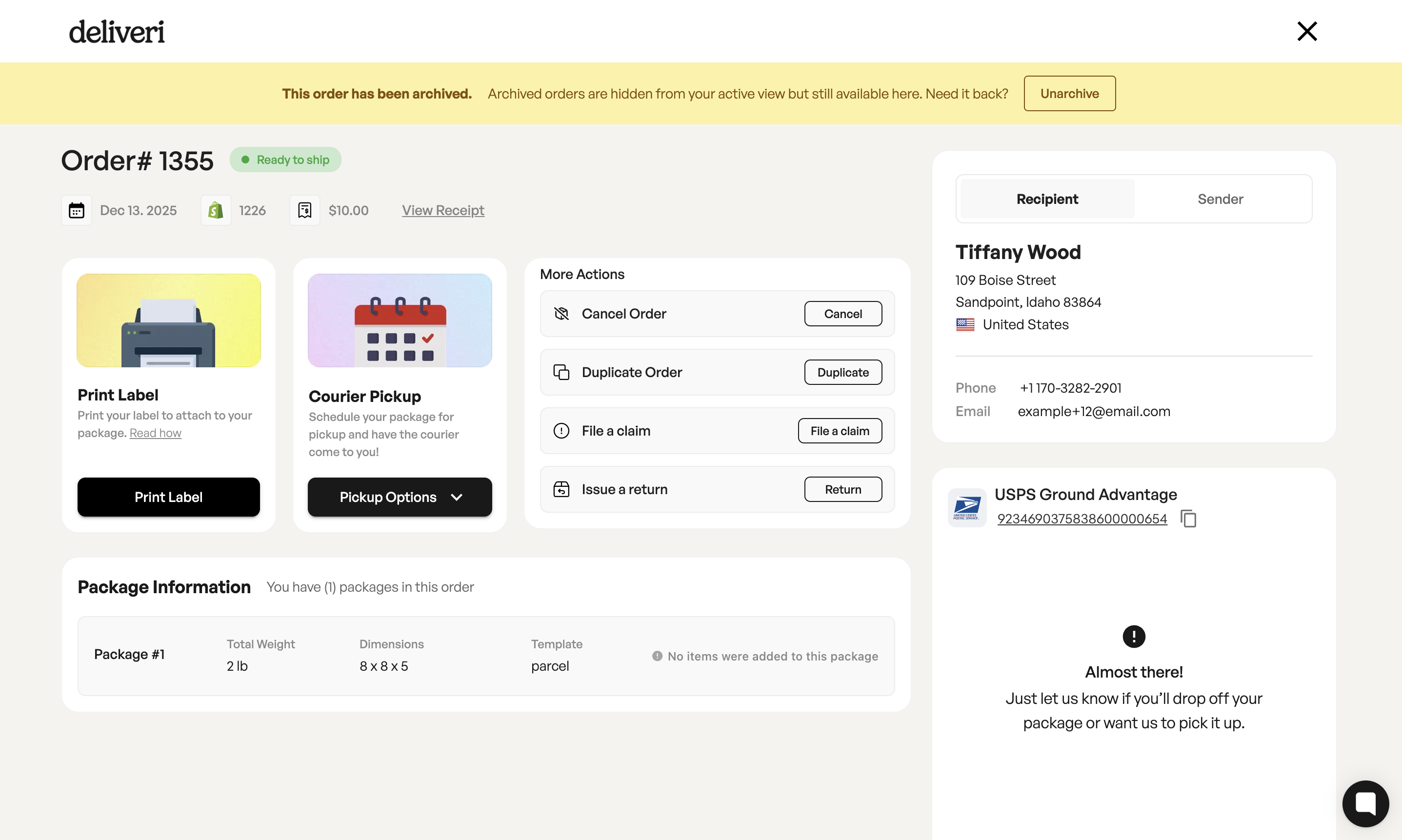
Yes. Archived orders can be unarchived at any time.
Note: Archived orders display a yellow banner indicating their status and include an Unarchive action.