
Enable or disable auto-fulfillment
Go to Connections
Select your Shopify store
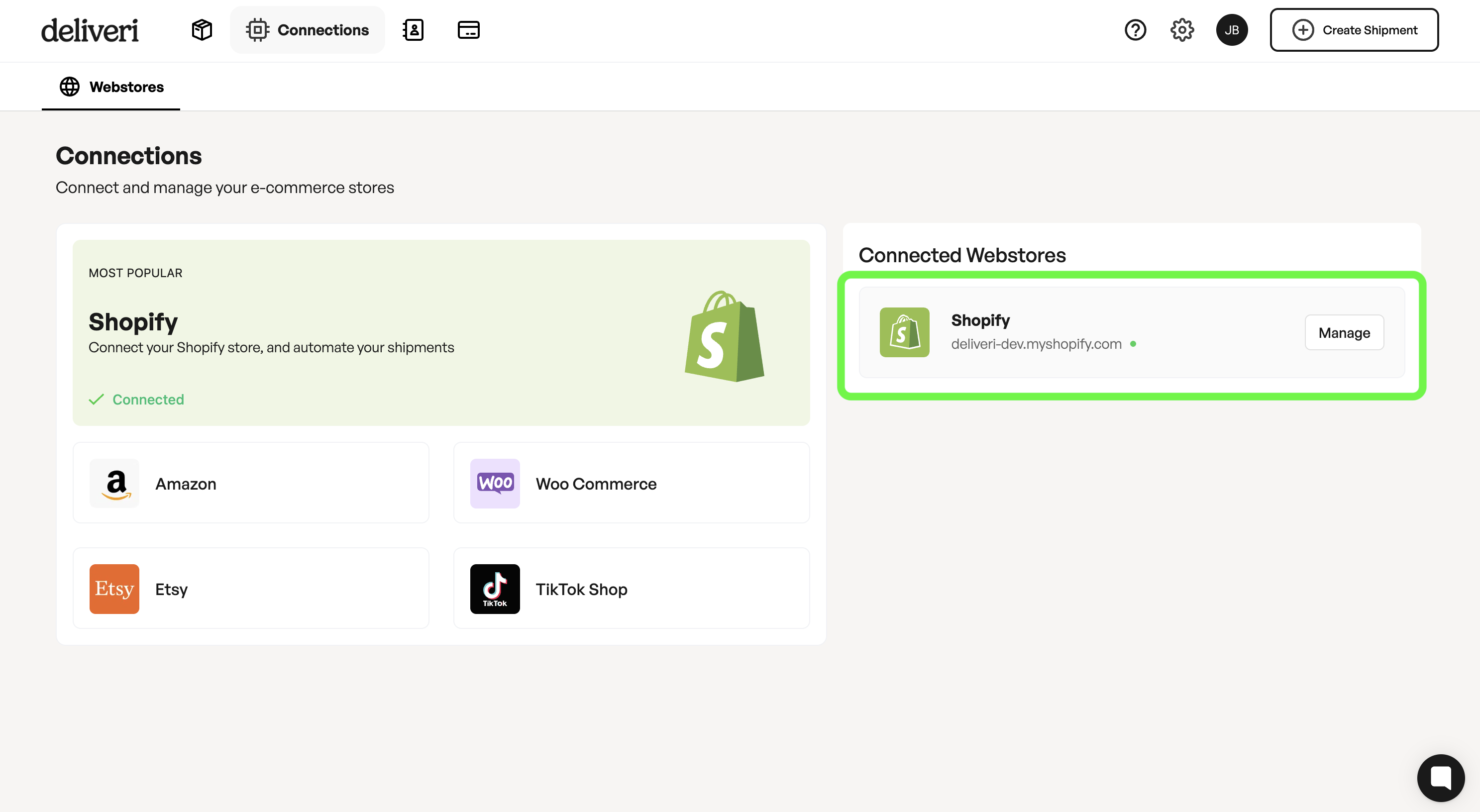
Select Manage → Toggle Auto-Fulfill Orders on or off
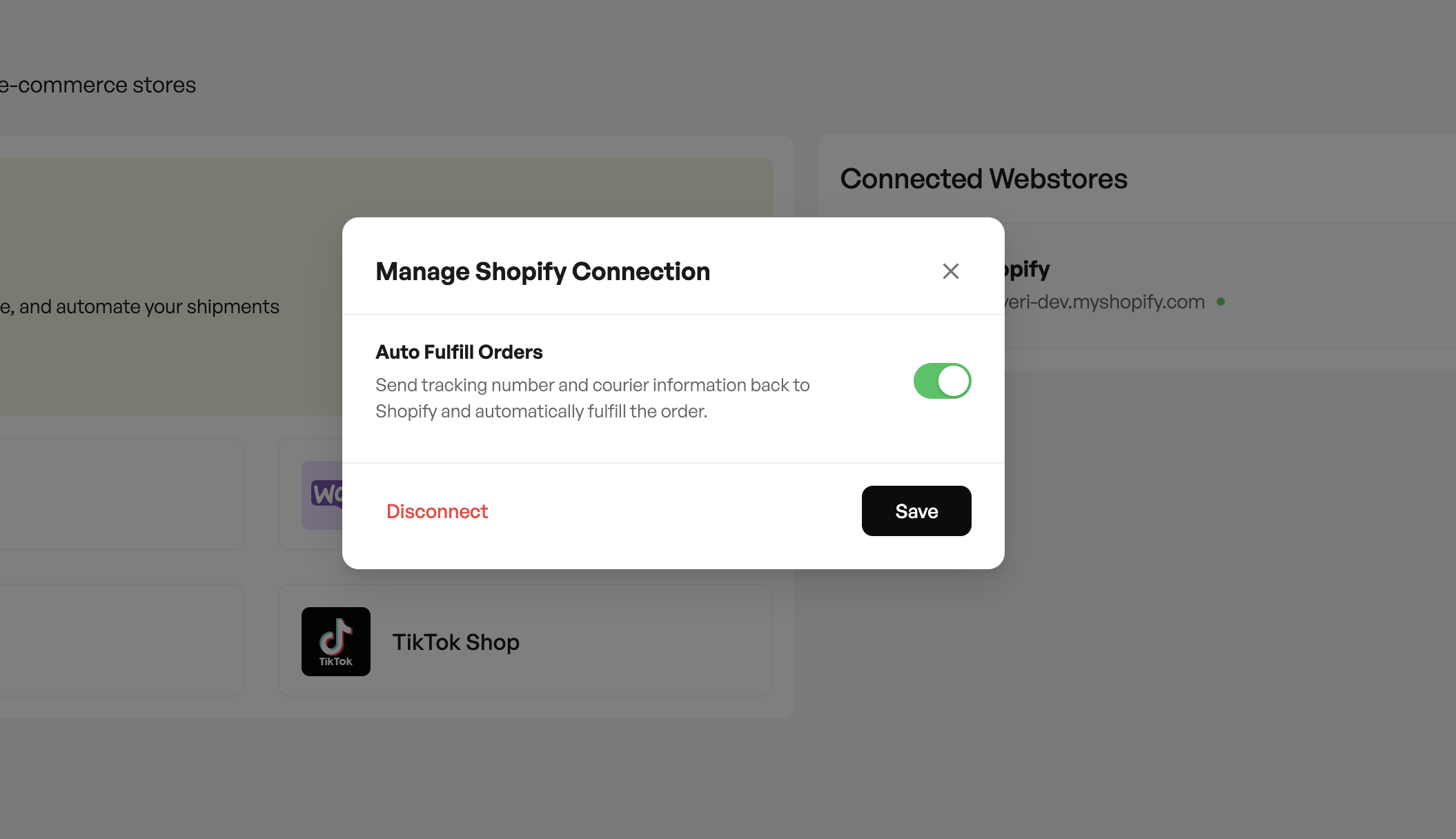
What does this do?
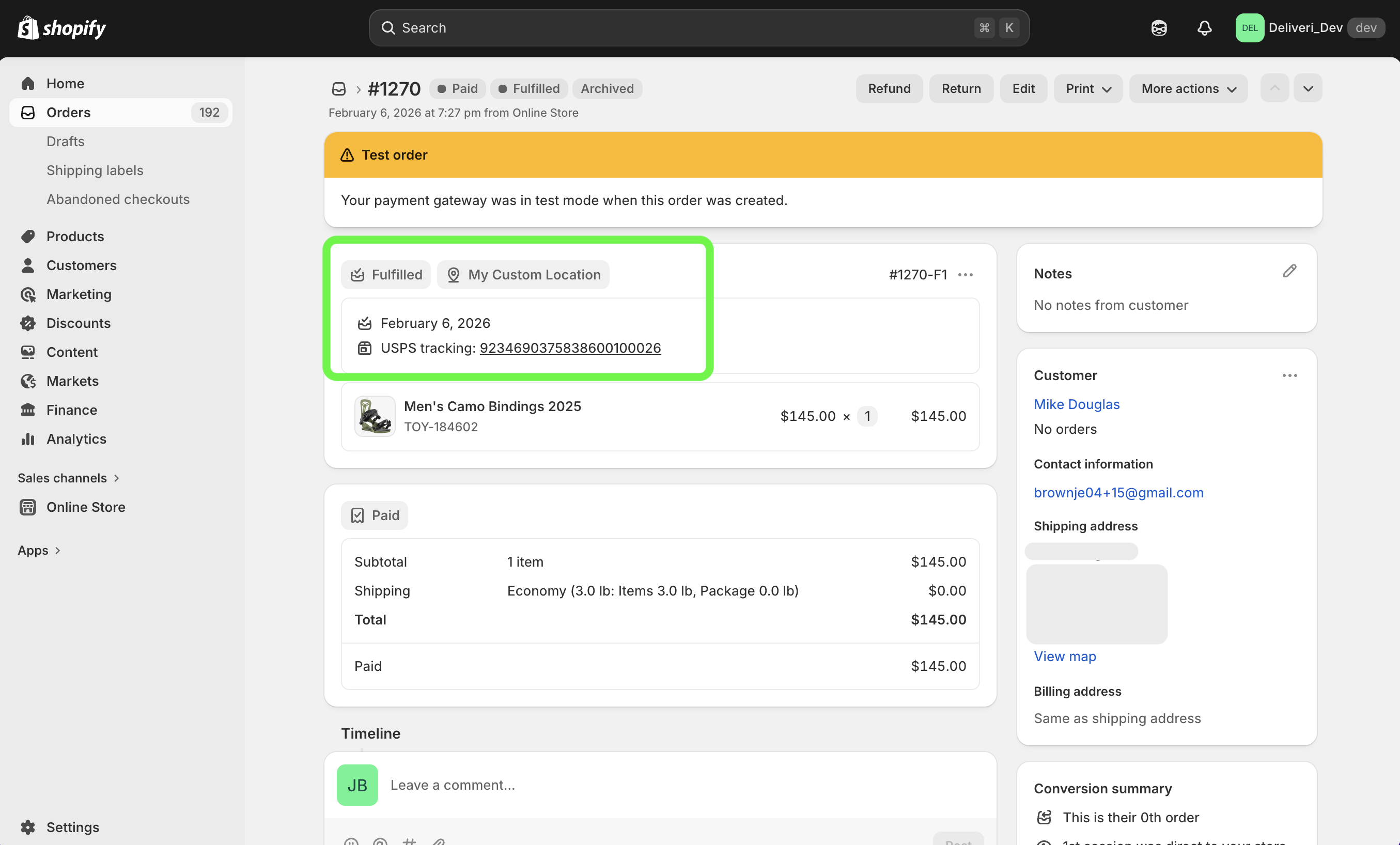
Deliveri will select the Courier and add the Tracking Number to the Shopify Order.
Shopify will send your customer a Shipping confirmation email.
To learn more about how to set up the Shopify Shipping Confirmation email that your customer receives click here.
When should auto-fulfillment be disabled?
If you want to manually review shipments
If fulfillment depends on external steps
If you use Deliveri only for label generation